Quit guessing about your DHL eCommerce shipment’s location. With our DHL eCommerce Tracking tool, you can view real-time updates as your package travels through more than 220 countries and territories. It offers instant insight into your delivery progress.
Whether your shipment is a “Parcel Connect” package within Europe, an international order from Asia, or a local return, you can monitor every step of its route. Simply enter your DHL eCommerce Tracking ID (such as those beginning with GM, LX, or RX) into the tracking box to check its latest status.
Fetching results, please wait...
What is DHL Ecommerce Tracking?
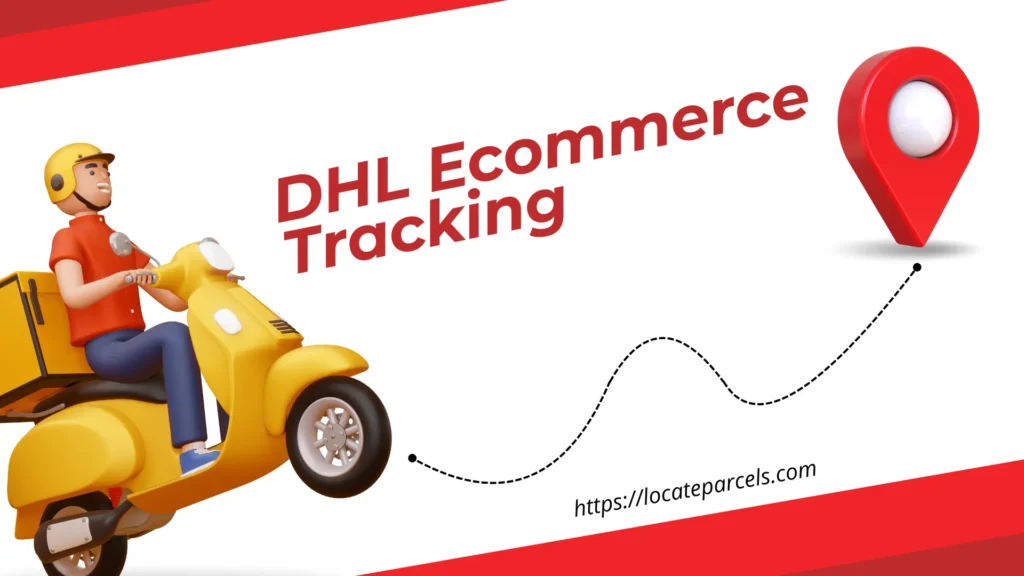
DHL Ecommerce Tracking refers to the process of monitoring the real-time progress of parcels handled by the specialist e-commerce division of the DHL Group. Our DHL Ecommerce tracking tool provides crucial shipment visibility across their global network of over 220 countries, allowing you to follow your item’s journey.
By using a unique Shipment ID or Tracking Number, customers can check their delivery status through key milestones, from the initial merchant handover to the final local delivery.
DHL Ecommerce Tracking Number
To check the status of your shipment, you need the unique identifier provided by the sender when the package was booked. Our DHL Ecommerce tracking tool is designed to accept the primary identifiers used by DHL eCommerce globally, ensuring you have the correct information to access your shipment’s current location and history:
- Shipment ID / Tracking Number: This is the primary tracking code. It is a unique sequence of numbers and letters found on your shipping confirmation email or provided by the online merchant. This single number grants access to all DHL Ecommerce Tracking details.
- Merchant Reference: In some cases, the sender (merchant) may provide an internal Order ID that is linked to the DHL system, though the Shipment ID is preferred for accuracy.
DHL Ecommerce Tracking Number Formats
DHL eCommerce uses a variety of formats depending on the origin region and the service level selected. Our DHL Ecommerce tracking tool can recognize these diverse codes, allowing you to easily input your information and retrieve the latest status updates without any confusion:
- US Origin (Domestic/Intl): Often starts with “GM” followed by 15-21 digits (e.g.,
GM123456789012345678). - Asia Pacific Origin: Codes often start with a country prefix like “CN”, “TH”, “MY”, or “SG” followed by a mix of letters and digits (e.g.,
CNAPZ300047833). - Standard Numerical: A sequence of 10 to 39 digits, with 16-digit codes being very common for domestic shipments in many regions (e.g.,
71234567891234). - UPU Format: Standard international postal codes ending in a country code (e.g.,
LX123456789DEorRX...DE).
How to Track DHL Ecommerce Shipments?
Our DHL Ecommerce tracking tool provides a single, simple interface to access your DHL Ecommerce tracking data directly from their global network. It consolidates all relevant tracking information into one easy-to-read view, saving you time and effort when checking on your important deliveries:
- Find Your Tracking ID: First, locate the unique Shipment ID or Tracking Number (e.g., starting with GM or LX) from your shipping confirmation email or merchant notification.
- Enter the Number: Next, paste or type that code accurately into the DHL Ecommerce tracking section.
- Click “Track”: Finally, click the “Track” button to initiate the search.
- View Your Updates: You will instantly see the live status, location history, and all key milestone updates for your parcel.
Your Shipment’s Journey: Guide to Status Updates
As your package moves through the DHL eCommerce network, its status will update to reflect its current location and processing stage. This guide helps you understand what each specific status message means, giving you a clearer picture of where your shipment is in the delivery process.
| Status | What It Means |
| Data Received / Electronic Notification | The merchant has created a shipping label, but DHL has not yet physically received the package. |
| En Route to DHL eCommerce | The package is moving from the merchant’s facility to the DHL distribution center. |
| Processed at Transit Facility | The shipment has been scanned and sorted at a DHL hub and is ready for the next leg of the journey. |
| Arrival at Destination Country | The package has landed in the destination country and is waiting for customs processing. |
| Customs Clearance | The shipment is being reviewed by customs authorities. This step can take a few days depending on regulations. |
| Tendered to Delivery Service Provider | DHL has handed the package over to a local partner (e.g., USPS, Royal Mail) for the final mile delivery. |
| Out for Delivery | The local courier has the package on their vehicle and will deliver it today. |
| Delivered | The shipment has been successfully delivered to the recipient or a safe place. |
DHL Ecommerce’s Service Portfolio
DHL eCommerce provides a versatile range of shipping solutions tailored to businesses of every size. From individual sellers to large multinational corporations, their portfolio is designed to simplify logistics while ensuring reliability and sustainability across borders.
- Sole Traders: Flexible solutions for individual sellers, allowing for home collection or drop-off at Access Points with no minimum volume requirements.
- SMEs (Small & Medium Business): Services specifically designed for e-commerce growth, offering competitive rates, reliable delivery, and effortless returns that integrate with major platforms like Shopify and Magento.
- Enterprise Corporations: Tailored, high-volume solutions that help large-scale businesses meet complex logistical needs and sustainability targets globally.
- Parcel Connect: A specialized European network offering fast and affordable delivery and returns across 28 countries.
DHL Ecommerce Delivery Times
Delivery schedules for DHL eCommerce are optimized to balance cost-effectiveness with reasonable transit times for online orders. Whether shipping domestically or across continents, the network aims to provide predictable arrival windows based on the destination.
- Domestic (US): Typically takes 2-8 business days, depending on the service level (Ground vs. Expedited).
- Neighboring Countries: Cross-border shipments to nearby regions often arrive within 2-3 business days.
- Europe / Canada: International shipments to these major markets generally take 4-8 business days.
- Rest of World: Deliveries to other global destinations typically take 8-14 business days, subject to customs clearance.
DHL Ecommerce Service Coverage
DHL eCommerce operates one of the most extensive logistics networks in the world, ensuring global connectivity. Their infrastructure combines DHL’s own massive resources with strategic local partnerships to reach every doorstep efficiently.
- Global Reach: Serves over 220 countries and territories, facilitating seamless cross-border trade.
- European Network: Through “Parcel Connect,” they offer a dense and integrated delivery network across 28 European countries.
- Local Partnerships: In many countries (like the US), they utilize a “final mile” partnership model (e.g., with USPS) to ensure cost-effective delivery to every residential address.
Solving Common Tracking Issues
Occasionally, you might encounter a delay in updates or an issue with your tracking status due to international handovers or customs processes. If your tracking information isn’t updating or you cannot find your package, there are standard troubleshooting steps available to help you resolve the problem quickly.
- Check the Number: Ensure you have entered the full Tracking ID correctly. A missing digit or letter (like ‘GM’) will cause an error.
- Handover Gaps: When the parcel is handed to a local partner (e.g., USPS), tracking updates might pause briefly. You can often use the same tracking number on the local carrier’s site.
- Customs Status: If the status is stuck on “Customs Clearance,” the package is being reviewed. This is a government process and cannot be sped up by DHL.
Customer Support
If you have a specific issue with your delivery, such as a delay or a lost package, contacting DHL eCommerce directly is the best course of action. Their support team is available to assist with inquiries regarding DHL Ecommerce tracking and shipment delivery issues.
- US Customer Service: 1 (800) 805-9306.
- General Support: Visit website and navigate to the “Customer Service” section to find local contact numbers for your specific region.
- Merchant Contact: For issues with the content of your order or refund requests, you should contact the merchant (seller) directly.
About DHL eCommerce
DHL eCommerce is the specialist division of the DHL Group dedicated entirely to e-commerce logistics and cross-border solutions. Headquartered in Bonn, Germany, it focuses on simplifying parcel delivery and returns for online sellers worldwide. As part of the world’s leading logistics company, DHL eCommerce leverages a massive infrastructure to deliver over 1 billion parcels each year. Their mission is to provide reliable, affordable, and sustainable shipping options that help businesses of all sizes grow in the global marketplace.
The company operates with a workforce of 45,000 e-commerce specialists across over 220 countries and territories. DHL eCommerce is deeply committed to sustainability, integrating “GoGreen” solutions into their logistics to reduce carbon footprints. By combining domestic delivery expertise with extensive international cross-border capabilities, they offer a seamless experience for both merchants and consumers, ensuring that every parcel is handled with care and efficiency.
Frequently Asked Questions (FAQs)
Conclusion
DHL eCommerce provides a simplified, sustainable, and global logistics solution tailored for the modern online seller. DHL Ecommerce Tracking offers the essential visibility needed to monitor your parcels, from cost-effective domestic ground shipments to complex cross-border orders.
Our DHL Ecommerce tracking tool simplifies this process, giving you a clear, consolidated view of your shipment’s journey from the merchant to your doorstep. Stay informed every step of the way. Enter your Shipment ID in our tracking tool now to see your current shipment status!